Ivory Ledger
Month-End Close Checklist & Financial Dashboard
Month-End Close Checklist & Financial Dashboard
Couldn't load pickup availability
Close every month with confidence instead of wondering what was forgotten.
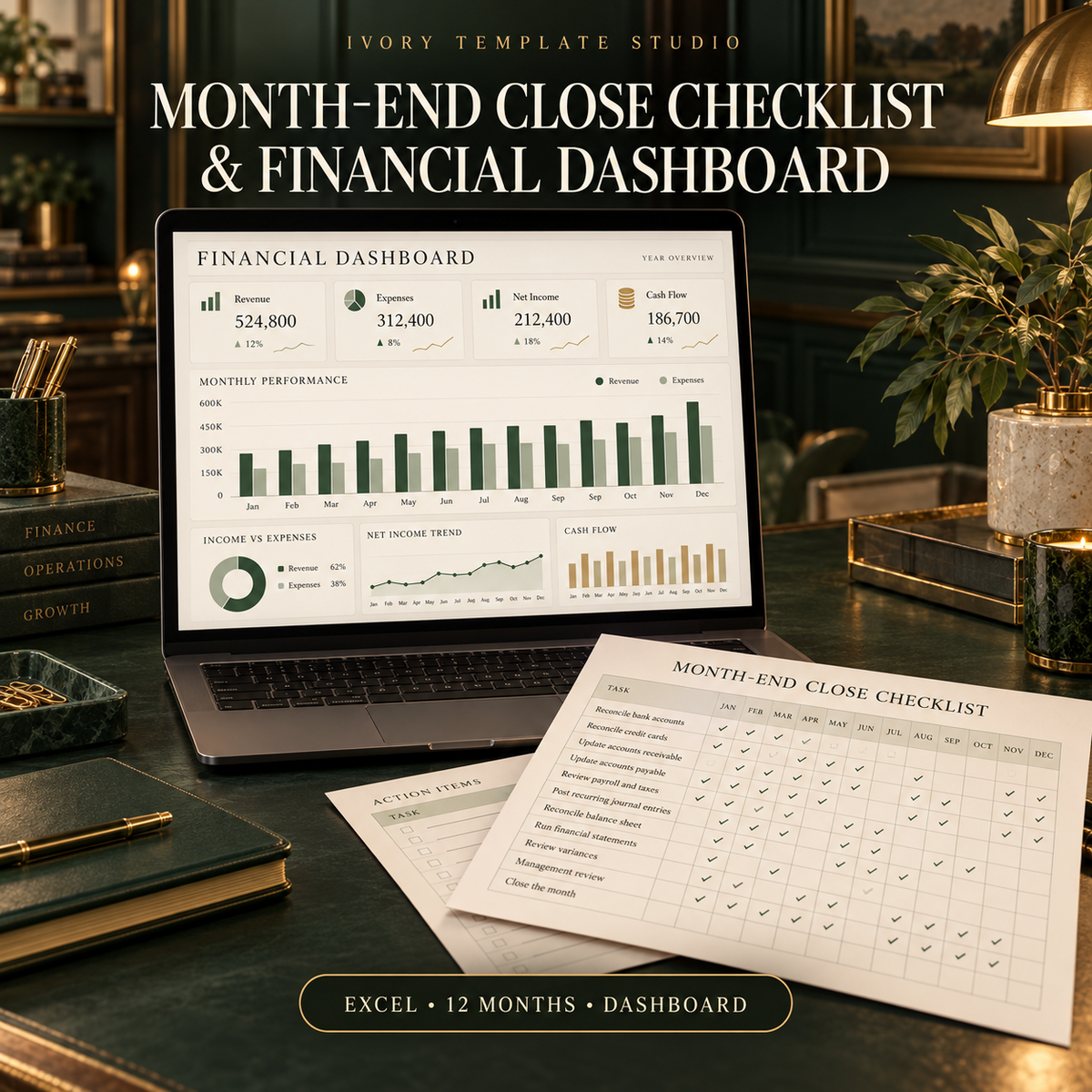
The Month-End Close Checklist & Financial Dashboard gives small-business owners an organized system for reviewing financial activity, documenting completed tasks and comparing business performance throughout the year.
WHAT’S INCLUDED
• Month-End Close Checklist and Financial Dashboard in Microsoft Excel
• Separate tracking for all 12 months
• Monthly revenue and expense summary
• Accounts-receivable review
• Accounts-payable review
• Bank and credit-card reconciliation checklist
• Payroll and tax review
• Cash-flow snapshot
• Month-over-month performance comparison
• Outstanding-action tracker
• Management dashboard
• Sample entries demonstrating how the workbook works
• Built-in instructions
• Quick Start Guide
MONTH-END CHECKLIST CATEGORIES
• Bank accounts and cash
• Credit cards and loans
• Customer invoices and payments
• Vendor bills and payments
• Payroll and employee expenses
• Sales-tax and payroll-tax items
• Revenue and expense review
• Uncategorized or unusual transactions
• Supporting documents and receipts
• Financial reports
• Outstanding questions and corrections
• Final management review
MONTHLY DASHBOARD TRACKS
• Total revenue
• Total expenses
• Net income
• Cash received
• Cash paid
• Accounts receivable
• Accounts payable
• Bank balance
• Credit-card balance
• Month-over-month changes
• Checklist completion
• Unresolved action items
PERFECT FOR
• Contractors and subcontractors
• Consultants and professional service providers
• Creative agencies and freelancers
• Repair and installation companies
• Online and service-based businesses
• Small-business owners managing their own financial records
• Administrative and bookkeeping professionals supporting small businesses
This workbook is designed for manual entry and does not connect directly to bank accounts, accounting software or payment processors. It can be used alongside QuickBooks, bookkeeping reports, bank statements and other financial records.
Microsoft Excel is recommended for the best functionality. The workbook may also be uploaded to Google Sheets, although certain formatting or dashboard elements may display differently.
DIGITAL PRODUCT
This is a ready-made digital spreadsheet and is not customized with your company’s branding. No physical product will be shipped.
The purchaser is responsible for verifying all entries, balances, calculations, deadlines and reporting requirements. This workbook is an organizational tool and does not constitute accounting, tax, legal or financial advice. Consult a qualified professional regarding your company’s specific requirements.
Because digital products are immediately accessible after purchase, all sales are final.
Share